


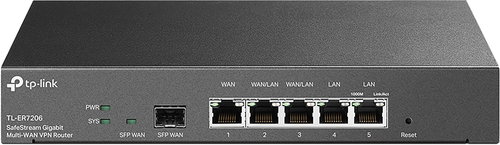
TP-LINK TL-ER7206

- Bewertungen 4
- Beratung und Anleitungen
- Technische Daten
- Fotos und Videos 9
- Zubehör und empfohlene Produkte

TP-LINK TL-ER7206
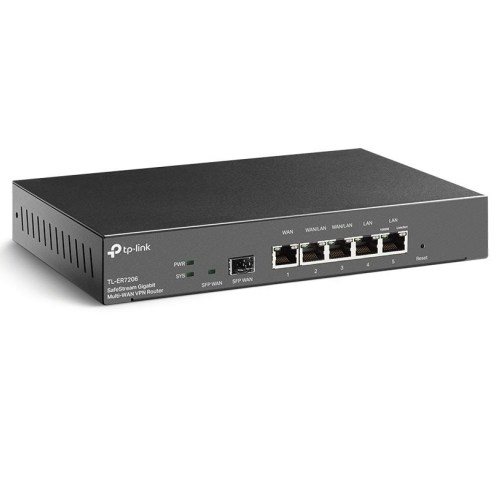
TP-Link TL-ER7206 VPN-Router
- Integriert in die Omada SDN Plattform
- Zentrales Cloud-Management und intelligente Überwachung
- Gigabit-SFP-Port und fünf Gigabit-RJ45-Ports für kabelgebundene Hochgeschwindigkeitsverbindungen
- SFP-WAN, RJ45-WAN und WAN/LAN Anschlüsse
- Hochsicherheits-VPN
- Erweiterte Firewall-Richtlinien, Schutz vor DoS-Angriffen, Adress- oder IP/MAC/URL-Filterung
Professionelles Gateway mit zentraler Verwaltungsunterstützung
Gigabit VPN Router Omada
ER7206
Omada SDN Intelligente Cloud-Lösung für Unternehmen
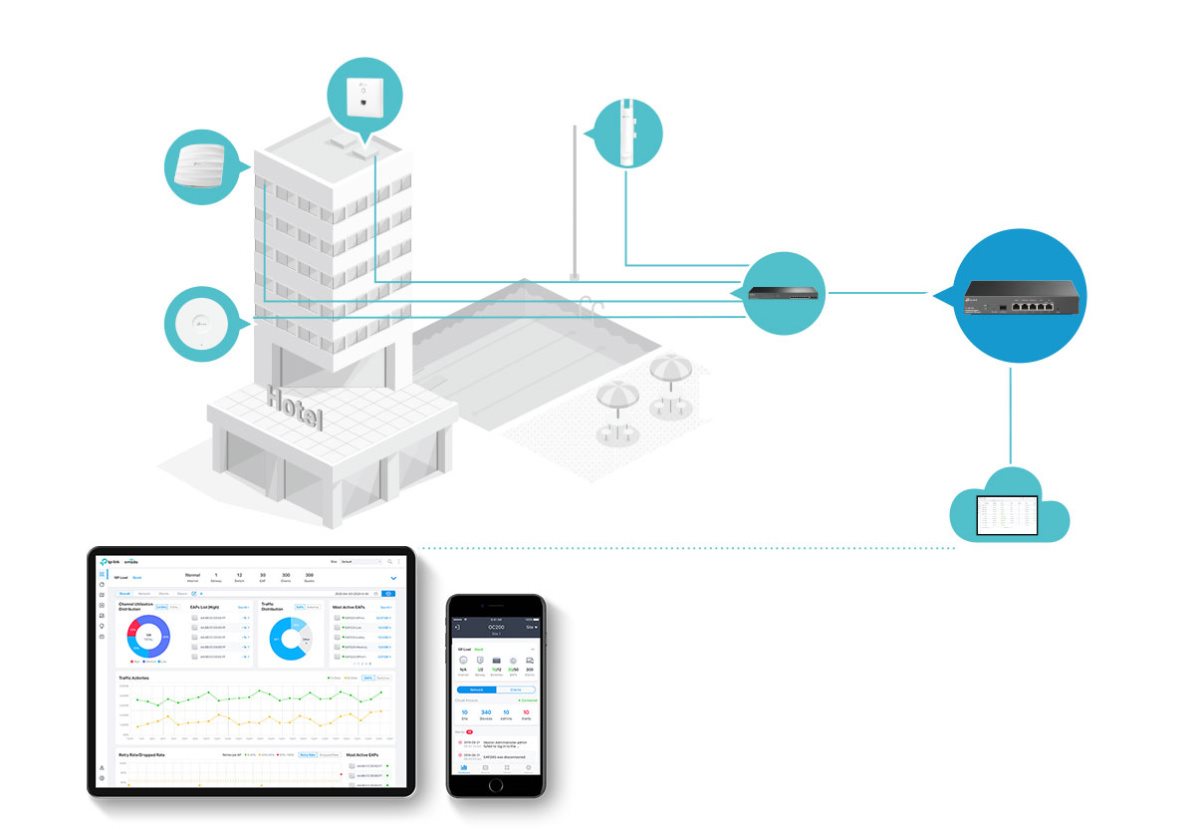
Der TP-Link TL-ER7206 Router fungiert als Gateway, das sich in die Omada (SDN)-Plattform integriert, um ein ferngesteuertes und 100 % zentralisiertes Netzwerkmanagement von überall und zu jeder Zeit zu ermöglichen. Es besteht auch die Möglichkeit, die Verwaltung über eine Webschnittstelle oder eine App vorzunehmen, was noch mehr Komfort bietet.
Optimale
Bandbreitennutzung
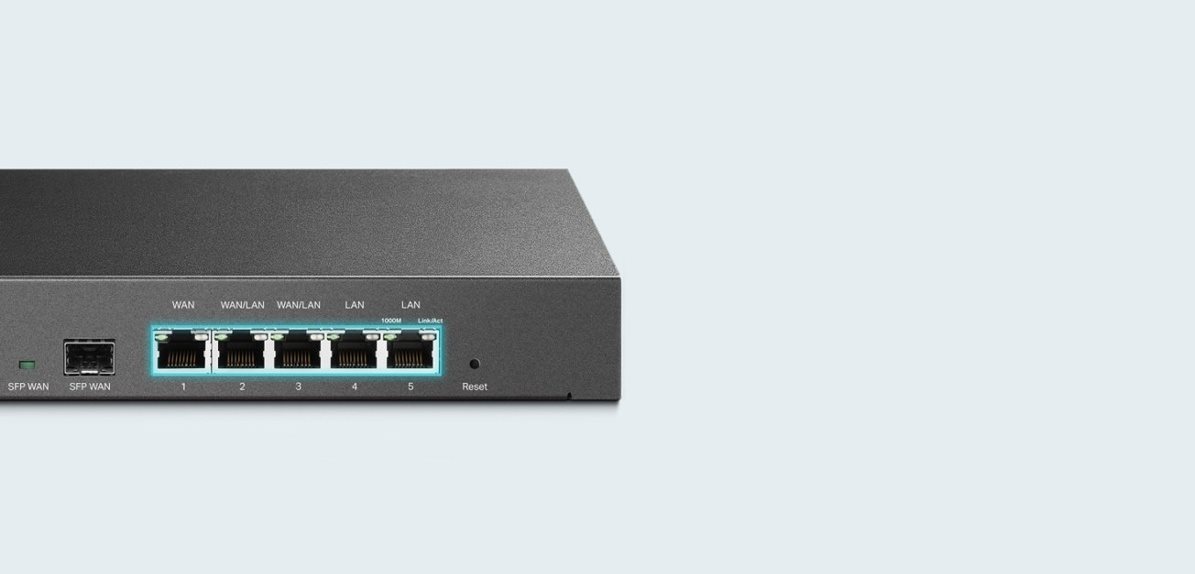
Der TL-ER7206 verfügt über einen Gigabit-SFP-WAN-Anschluss,
einen Gigabit-RJ45-WAN-Anschluss und ein Paar konvertierbare
WAN/LAN-Anschlüsse, die bis zu vier WAN-Anschlüsse unterstützen.
Eine Belastungsverteilung zwischen WAN-Ports steht ebenfalls zur Verfügung, die
eine Verteilung von Datenströmen je nach
Bandbreitenproportionalität jedes Anschlusses ermöglicht
um die Bandbreitennutzungsrate mehrerer Links zu erhöhen.
Der TL-ER7206 bietet sicheres VPN
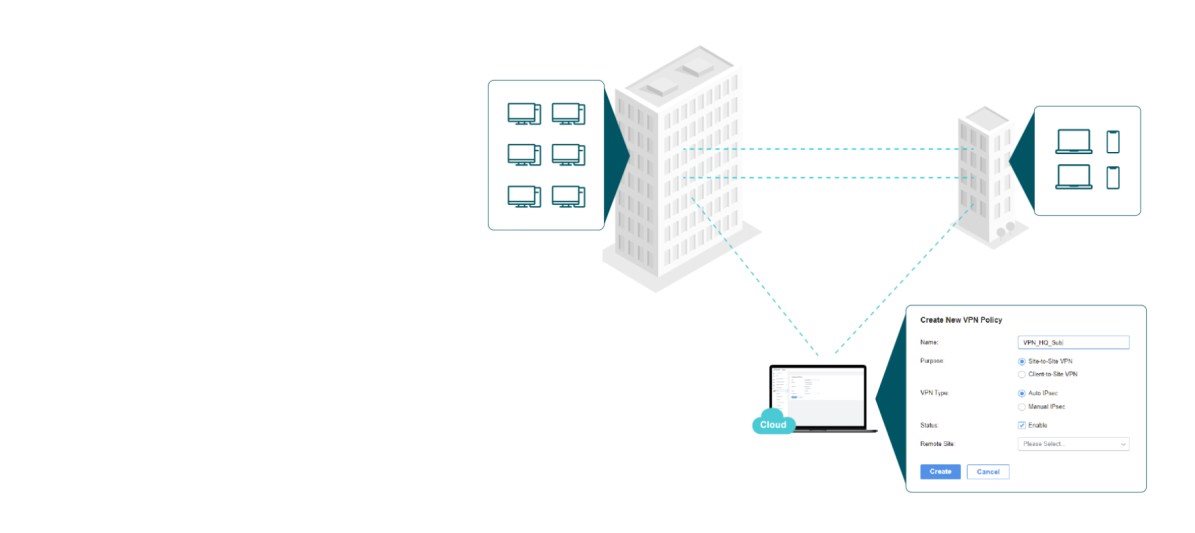
Selbstverständlich werden die Protokolle IPSec / PPTP / L2TP VPN über IPSec / SSL unterstützt.
Die leistungsstarke Hardware ermöglicht dann bis zu 100× LAN-LAN IPSec,
50× OpenVPN, 50× L2TP und 50× PPTP VPN Verbindungen. So erstellen Sie ein IPSec-VPN
mit einem Klick, was die Erstellung und Verwaltung Ihres Netzwerks erheblich erleichtert.
Die private Datenkommunikation von Standort zu Standort ist gesichert und verschlüsselt.
Mehrere Sicherheitsmerkmale
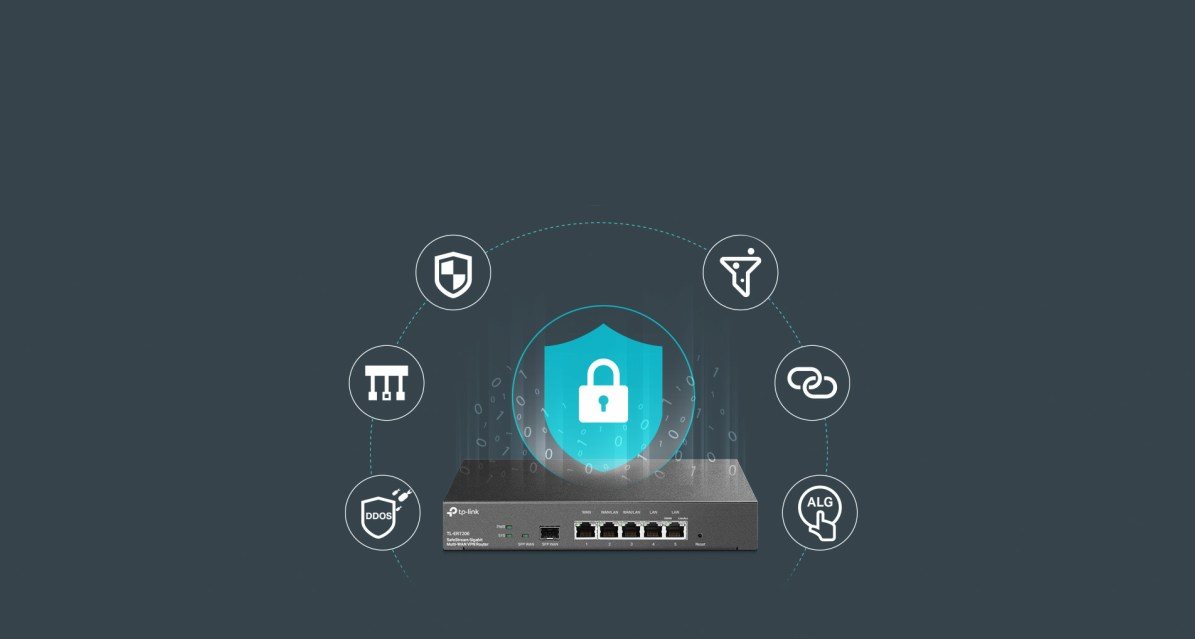
Der TP-Link TL-ER7206 bietet eine leistungsstarke Firewall, praktische VLAN-Unterstützung, Schutz vor DoS-Angriffen, IP/MAC/URL-Filterung, IP/MAC-Adressbindung und ALG-Aktivierung mit einem Klick.

Intelligente Verwaltung des
Zugangs zum Internet
Sie können das Nutzerverhalten leicht standardisieren. Somit können die Rechte und Strategien für den Internetzugang Ihrer Mitarbeiter einfach
über IP/MAC/URL-Filterung oder Zugangsverwaltungsliste
(ACL) eingestellt werden. Sie werden bestimmt die Möglichkeit der Verifizierung mit Hilfe des Anmeldeportals oder der Zuweisung von Netzwerkressourcen
einzelne Benutzer oder Gäste zu schätzen wissen.
Einfache Verwaltung mit Omada
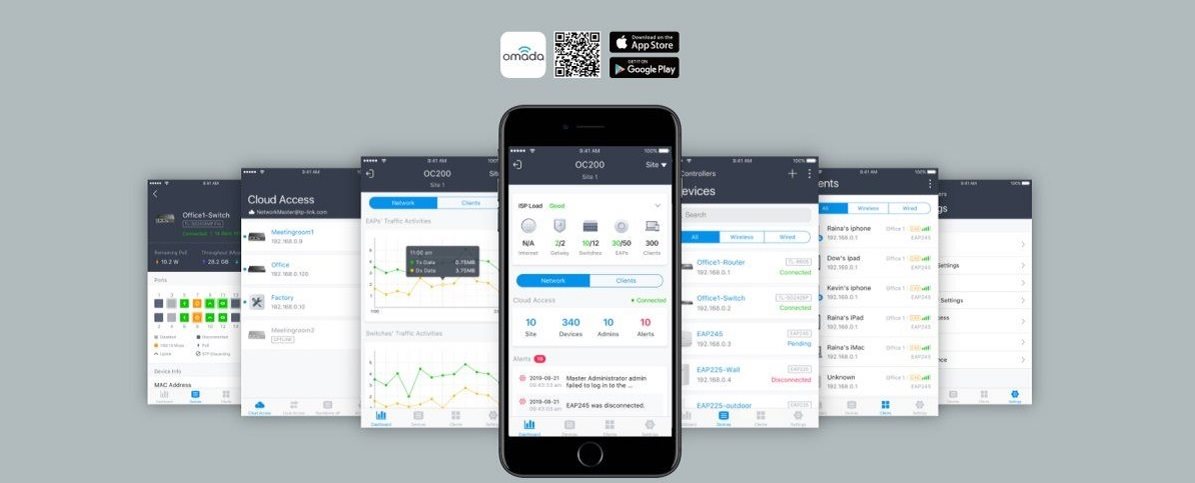
Die kostenlose Omada Mobile App führt Sie Schritt für Schritt und in wenigen Minuten durch die Einrichtung Ihres Netzwerks. Ändern Sie einfach und schnell Einstellungen, überwachen Sie das Netzwerk und verwalten Sie Clients.
Spezifikationen
Typ
Standards und Protokolle
Verwaltung und Sicherheit
Funktionen
Ports
Anzahl der LAN-Ports
Geschwindigkeit
Eigenschaften
Speicher
Abmessungen
Farbe
Betriebstemperatur

TP-LINK Czech s.r.o., Pekařská 10a, 15500 Praha 5, Česko, [email protected], www.tp-link.com
TP-LINK Czech, s. r. o., Pekařská 695/10, Jinonice, 155 00 Praha 5, CZ +420 212 812 622 / SK +421 233 006 532, [email protected]
Technische Daten können ohne vorherige Ankündigung geändert werden. Die Bilder dienen nur zu Informationszwecken.
