


Rapture BLACKOUT DXL II orange


Rapture BLACKOUT DXL II orange
RAPTURE BLACKOUT DXL II MONITOR HOLDERCreate an immersive gaming environment!
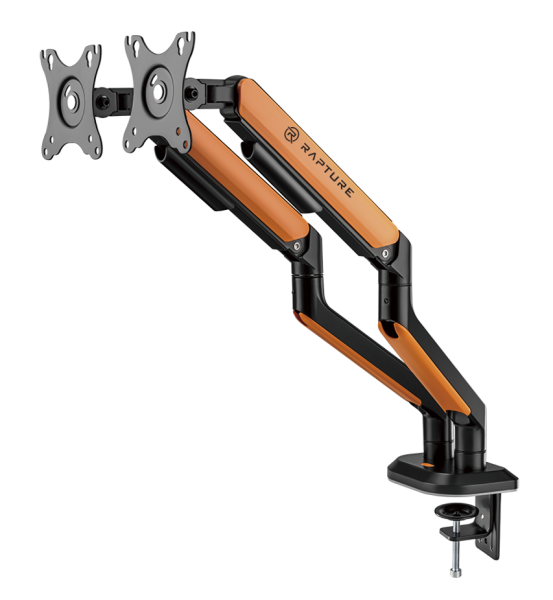
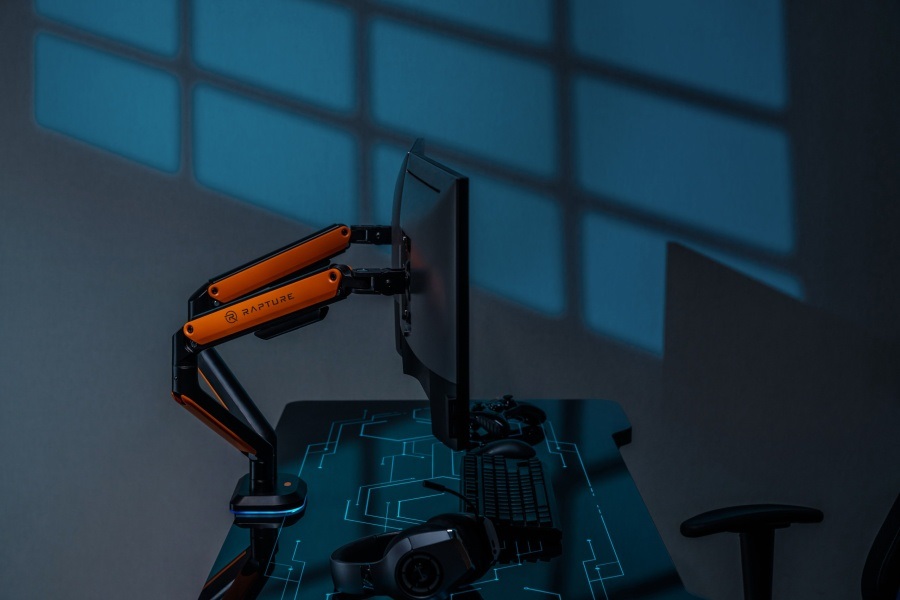
Wondering how to meaningfully upgrade your play area? Make a difference with the Rapture BLACKOUT DXL II dual monitor design mount, which offers exceptional quality craftsmanship, two mounting options, a cable attachment system and adjustable RGB backlighting. In addition to the unique design with a dominant orange colour, it offers you almost unlimited possibilities for adjusting the monitors - adjusting the distance, tilting, tilting sideways or rotating. With this mount, you'll be able to adjust the monitor positions to your liking with minimal effort, rapidly improving not only the visual comfort but also the overall ergonomics of your gaming den.

TECHNICAL SPECIFICATIONS
Rapture BLACKOUT DXL II
2
number of monitors
2×9 kg
carrying capacity
17-32"
for monitors
+55°~ -55°
tilt
+90°~ -90°
rotation
+180°~ -180°
rotation
970 × 110 × 613 mm
size
mechanical
spring
100 × 100 a 75 × 75
vesa
grommet or clamp
assembly
WHAT WILL SURPRISE YOU about the rapture blackout dxL II holder
WHAT YOU CAN LOOK FORWARD TO
ROBUST DESIGNMount up to 32" monitors
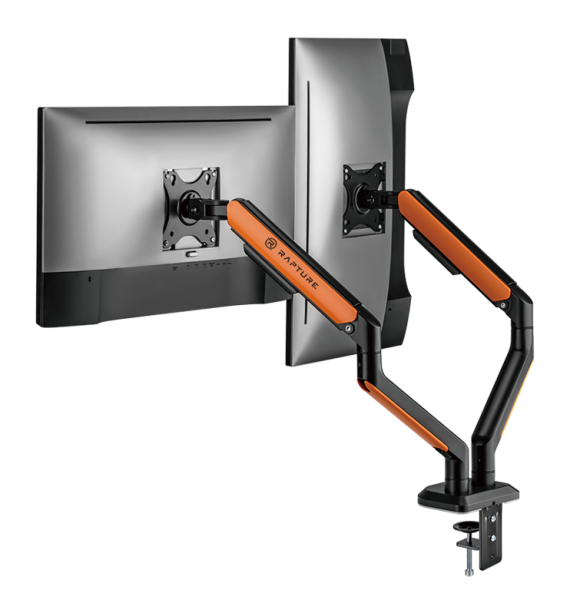
The durable BLACKOUT DXL II bracket made of steel and aluminum is designed to hold a 17-32" monitor weighing up to 9 kg per arm, for a total load capacity of 18 kg. The mount can be attached to both straight and curved screens and is thus compatible with most monitors on the market.
TWO INSTALLATION METHODSInstall the holder in minutes
The Rapture BLACKOUT DXL II can be mounted on almost any table in two ways - on the table edge with a clamp (10-80 mm), or you can use the table grommet (10-40 mm). All the installation material, including the necessary tools, is of course included in the package. You'll also appreciate that you can handle the actual mounting of the monitors on the bracket yourself thanks to the ingenious system.
ADJUSTABLE RGB BACKLIGHTLight up your play area
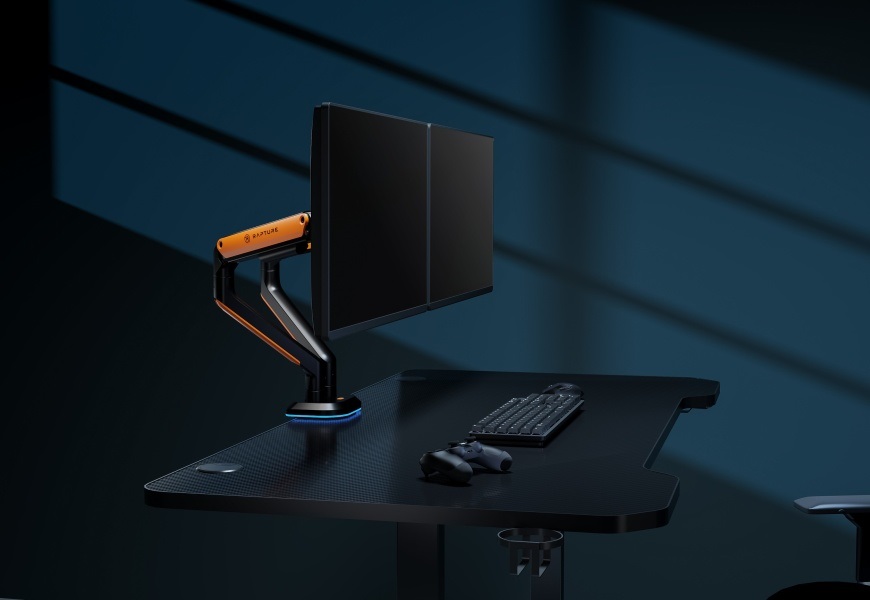
The eternal problem is bulky cables. You won't have to deal with this with the Rapture BLACKOUT DXL II - it features a sophisticated cable management system. The already original look of the holder is also elegantly complemented by the backlit base. You'll be able to choose from a total of 13 modes, which you can easily switch between using the button.
EASY SETUPCompletely effortless
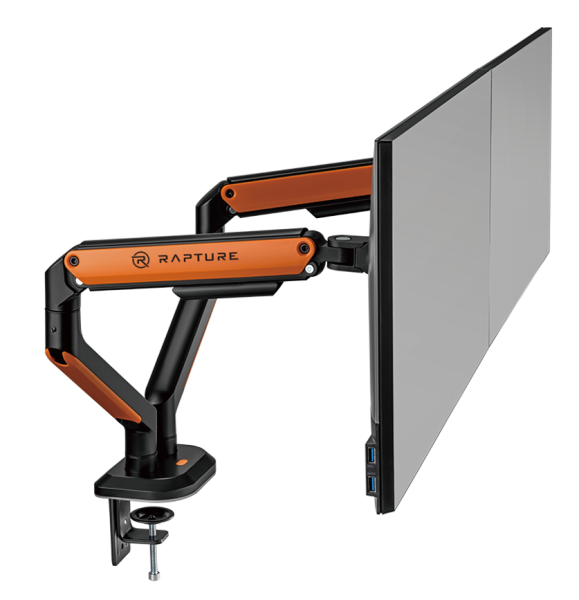
Rapture BLACKOUT DXL II has a mechanical spring to facilitate the adjustment of the optimal position of the monitors. Once you have found the ideal position, simply lock the arms with the screws. There is also a practical 180° rotation stop to prevent the monitors from hitting the wall.
No alternative text for the photo!
Specifications
Colour
Type
Features
Equipment

A 36-month / 3-year or 48-month / 4-year warranty refers to the total duration of the warranty from the date of receiving the goods. Compared to standard statutory rights, this gives you an additional 12 months / 1 year or 24 months / 2 years, respectively, to file a claim.
Specifications can be changed without notice. Images are for illustrative purposes only.
