


Customer downloads licenses here: https://www.corel.com/en/pages/download/
Or direct link HERE: https://cdn.pinnaclesys.com/Release/webinstaller/PinnacleStudio_26/FXR8YHASFN/Pinnacle-Studio_26_Installer.exe
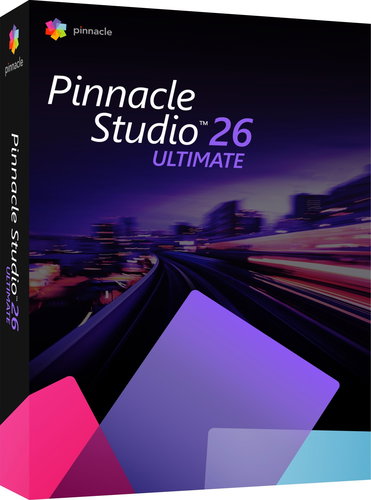


If you require professional editing of your videos, choose the popular graphics program Pinnacle Studio 26. It features sophisticated tools and creative video editing features. It is equipped with thematic templates, where you can experiment on a multi-track timeline, add transitions or other creative effects. It handles multi-camera editing, screen recording or audio editing, for example.
Pinnacle Studio 26:
Video editing software
Video recording and screen recording
Creator of presentations
Sound editor
DVD creation
Video converter
Hundreds of filters and effects
Library of animated overlays, graphics, creative fonts and subtitles
Thematic templates and video montages
Free music and sound effects
Features for ULTIMATE version:
Cut across an unlimited number of tracks
Burn a disc with DVD offers - 100 templates
Editing footage from 6 cameras
Screen recording
Fully featured Color Grading
Key Images for Split Screen Video
Controls for keyframes
Full audio editing features
Drag-and-drop video editing
Support for AV1 import, GoPro LVR, HEVC(H.265)
Customer downloads licenses here: https://www.corel.com/en/pages/download/
Or direct link HERE: https://cdn.pinnaclesys.com/Release/webinstaller/PinnacleStudio_26/FXR8YHASFN/Pinnacle-Studio_26_Installer.exe
Specifications can be changed without notice. Images are for illustrative purposes only.
