




Installation procedure
- Visit www.office.com/setup and follow the instructions
- Insert the licence number shown below
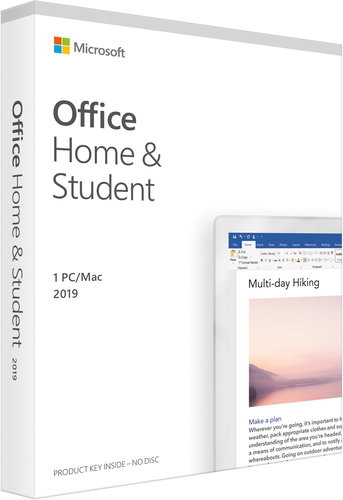

Genuine MS product (not a secondary license).
The Microsoft Office 2019 office application in English will offer you the environment of the latest Word, Excel, PowerPoint and OneNot for your computer. So you get everything you need to study. Microsoft supports working in both Windows and macOS. Create presentations, PDF documents, use spell check, or create notes and shopping lists in OneNote. Microsoft Office Home and Student has no limited service life.
Get the latest basic applications with Microsoft Office 2019. PowerPoint 2019 allows you to create presentations with interesting transitions and various animations with support for 3D objects. Excel will then make it easier for you to work with the data. You can create different types of graphs or maps for your documents. You then manage your documents in Word 2019 with improved error checking. The new LaTeX function allows you to create mathematical formulas .
Installation procedure

Microsoft is a multinational corporation based in the United States. Microsoft products have had an indelible influence on our perception of virtual worlds since 1975, when Bill Gates and Paul Allen founded the company. The company is best known for its peerless software, including Windows OS and the universally used Microsoft Office suite. The company is gradually becoming more active in hardware as well - for example, with Xbox gaming consoles and Lumia mobile phones.
Specifications can be changed without notice. Images are for illustrative purposes only.
