


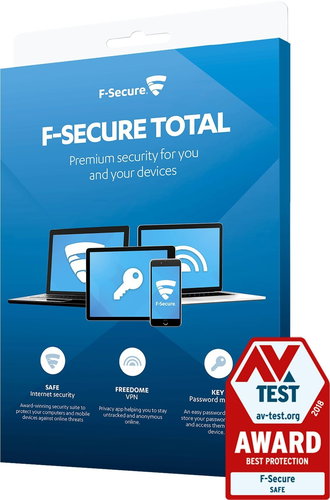



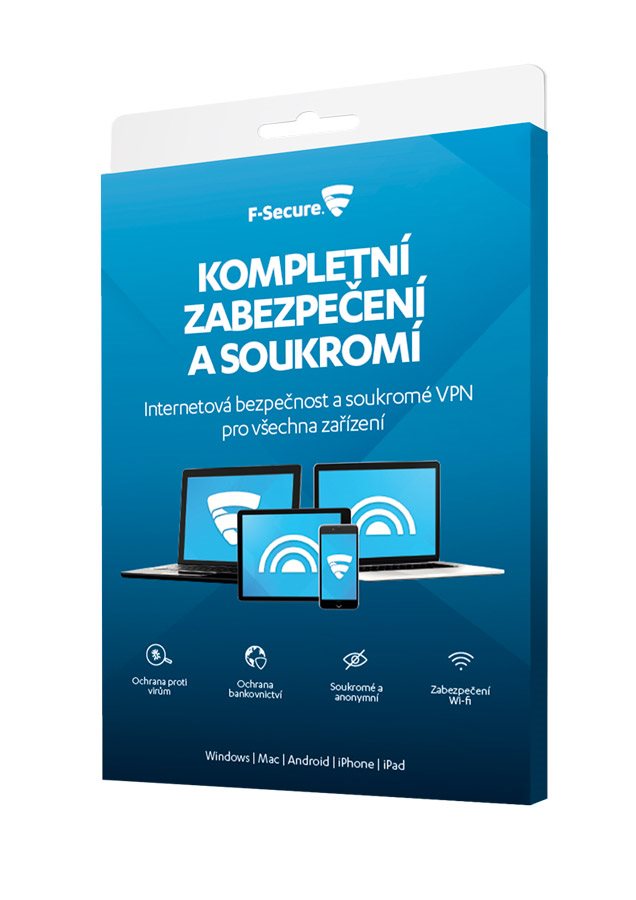
Key benefits of F-Secure Total antivirus
- A cost-effective combination of Total and Freedom VPN products
- You get a perfectly secured internet connection & virus and malware protection
- You will reduce the risk of theft of valuable personal data to a minimum with this antivirus
- F-Secure Total will not slow down your computer in any way
- If you have children, you can block unwanted websites for them with the parental control function
- Thanks to the VPN function, even your ISP will not know which sites you are visiting
- You can change your virtual location as you wish and thus make available content that is blocked for the Czech Republic (or another country).
- With antivirus, you simply block pop-up ads from popping up
Poznámky:
By purchasing this product, you will receive an annual subscription to the antivirus, which you can apply to three devices.

Automatic protection against viruses and malware

Secure internet connection

Antivirus does not slow down your computer in any way

Possibility of setting the so-called parental controls

With VPN, your IP address remains hidden

You can change your virtual location at will

Even on public WiFi, your presence is encrypted

Easily block ad pop-ups
Loss of privacy & personal data to you with F-Secure Total antivirus
Viruses can get a lot from your computer - access photos, documents or sensitive data such as internet banking credentials. Therefore, protect yourself with the F-Secure Total antivirus package and enjoy everything you want in the online world with minimal risk . You can use this antivirus on up to three different devices.
