




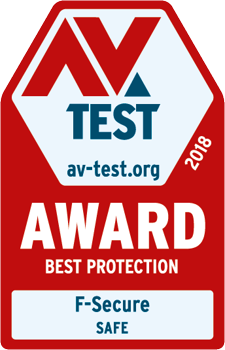
F-Secure SAFE received the “Best Protection 2018“ award from AV-TEST for its outstanding protection of Windows systems.
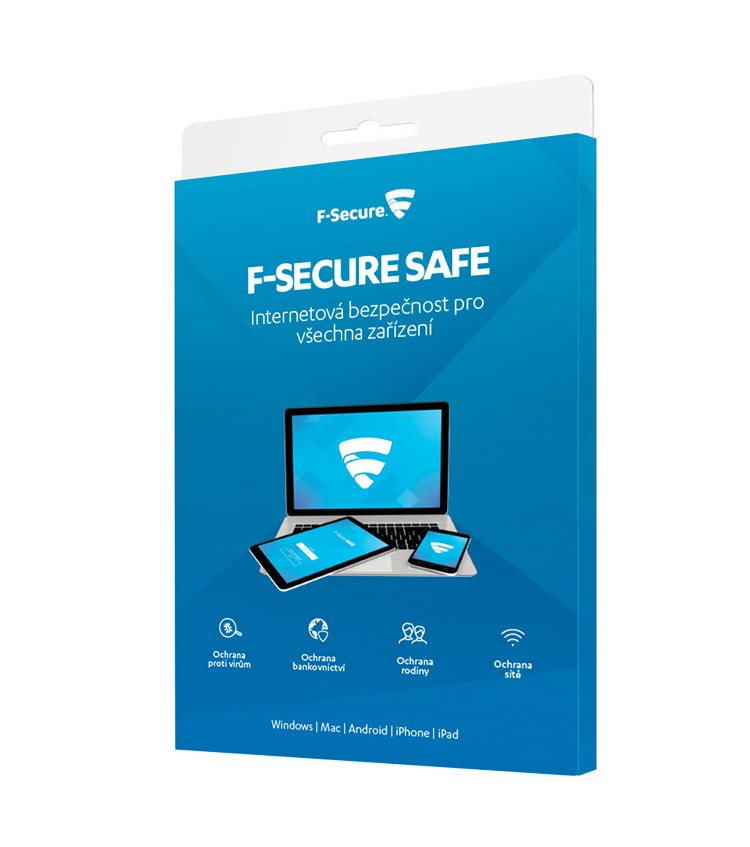
Key benefits of F-Secure Safe antivirus
- With antivirus you get a perfectly secured internet connection & virus and malware protection
- With F-Secure Safe, you reduce the risk of theft of valuable personal data to a minimum
- If you have children, you can use the parental control feature to block unwanted websites with your antivirus
- F-Secure Safe Antivirus detects and blocks any ransomware, so no important files are encrypted
Note:
By purchasing this product, you will receive an annual subscription to the antivirus, which you can apply for up to three devices.

Automatic protection against viruses and malware

Secure internet connection

Possibility of setting the so-called parental controls

Protection against ransomware and unwanted encryption
You are not in danger of losing personal data thanks to the F-Secure Safe antivirus
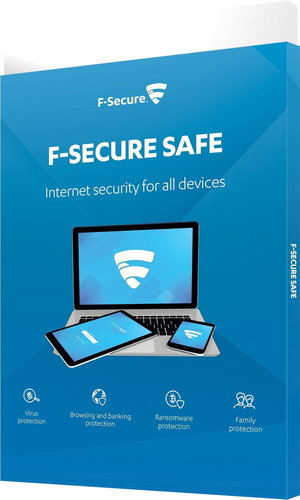
With the award-winning F-Secure Safe anti-virus program, you get perfect protection against computer viruses, as well as the so-called Trojans and ransomware. In addition, by using it, you will secure your connection so that shopping over the Internet or or managing Internet banking will be practically risk-free for you. You can use F-Secure Safe antivirus on up to three different devices - in addition to a PC, you can also use it on tablets.

“The five-time AV Awards shows that this antivirus is really worth it.“
