


Canon i-SENSYS MF249dw
Don't like the alternatives? Choose from the full product list



Canon i-SENSYS MF249dw
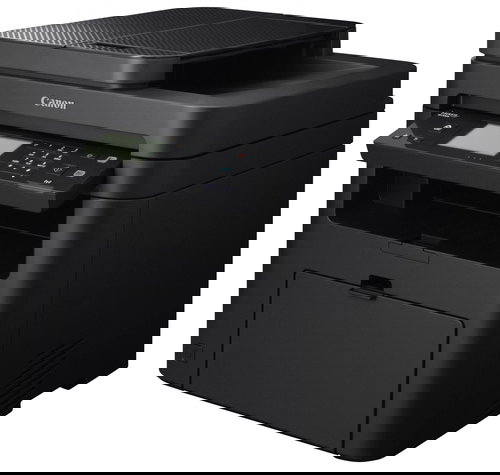
Wireless printing in small offices
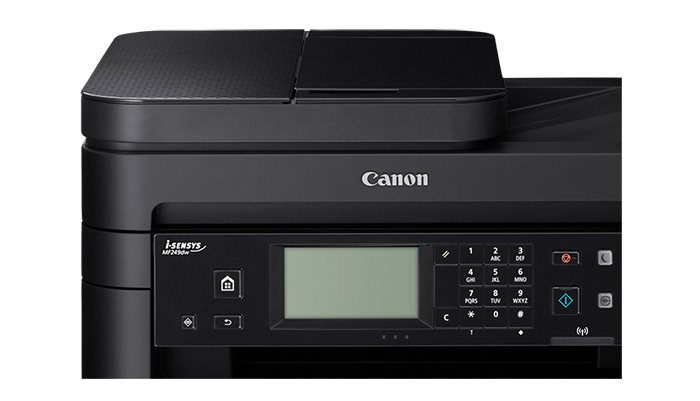
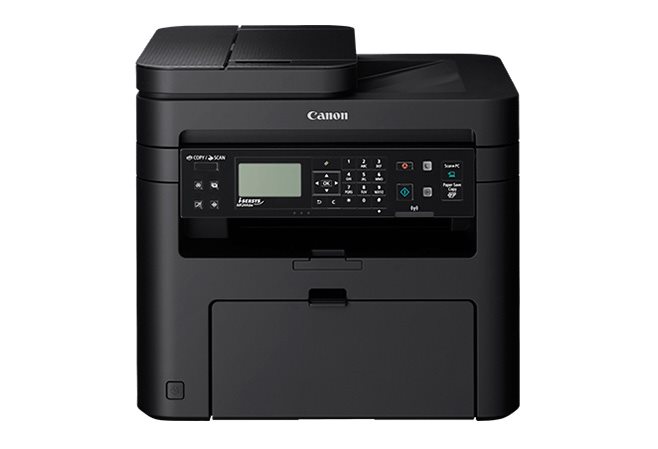
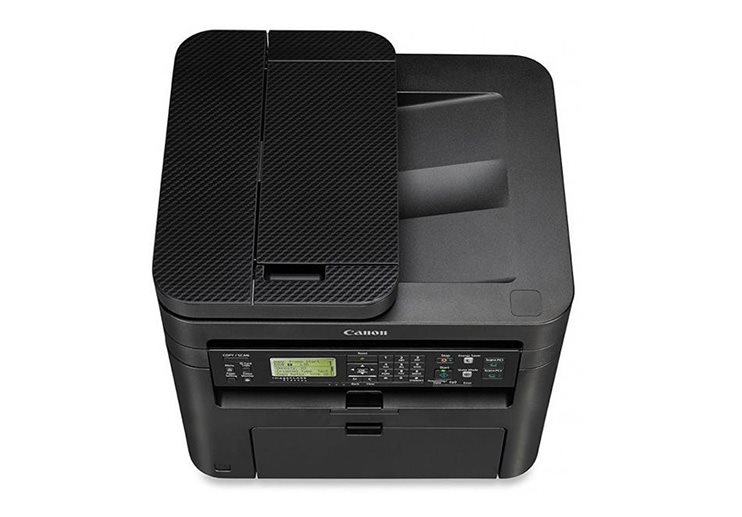
The main advantages of the Canon i-SENSYS MF249dw MFP are fast printing, wireless WiFi, copying, scanning and sending faxes. The printer can be used in smaller companies as well as in a home office. Controls are intuitive because of a control panel with a touchscreen LCD display.
Saves your time
The Quick First-Print technology immediately wakes up the printer from sleep mode, so you can immediately start printing at speed up to 27ppm. With a built-in 600 x 600px scanner, you can save the scanned documents to a connected USB drive or send them via e-mail.
High productivity
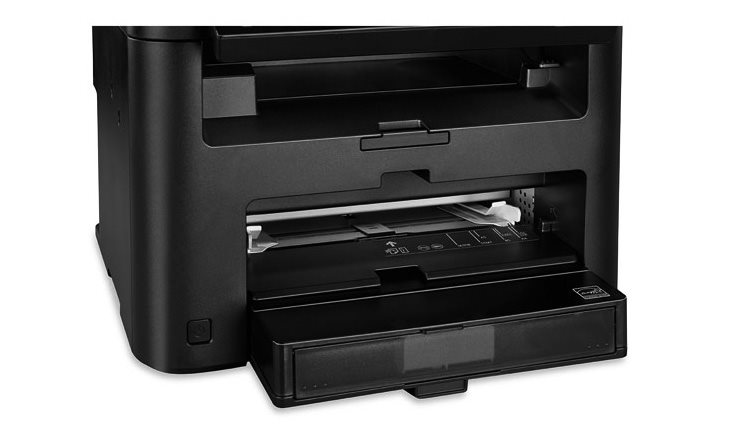
The printer is equipped with a 250-sheet tray and a manual feeder for printing special sizes. The output tray holds up to 100 copies. An automatic feeder and duplex unit will speed up your work. A 512 MB of operation memory will take care of your routine printing quickly.
Printing from mobile devices
With a wireless WiFi connectivity, you can easily print documents from your mobile device supporting Mopria, Apple AirPrint, and Canon PRINT Business. The remote access allows you to monitor ongoing print tasks on your phone, tablet, or PC. You can also change printer settings or check for a toner.
- Printers are usually supplied with a starter toner and/or cartridges with an approximate 60% capacity of regular cartridges which are available to purchase separately.
Specifications
Type
Function
Connection
Supported Paper Sizes
Scanning
Printing parameters
Dimensions
Equipment
Colour
Package includes

Canon was founded in 1933. Its original title translated to "portable laboratory optics". The Japanese company has been headquartered in Tokyo since its inception. Canon is particularly associated with the production of digital cameras and accessories, where they remain the leading innovator and producer of imaging solutions. Aside from digital cameras, the company also operates in the production of office equipment, particularly copiers or printers.
If there is no "package contains" box in the product parameters and the data or USB cable is not specifically mentioned in there, the package does not contain it and must be purchased separately.
Specifications can be changed without notice. Images are for illustrative purposes only.
