


27" LG 27BQ75QB-B


27" LG 27BQ75QB-B
This 27" LG LCD monitor allows you to work in Quad HD (2560×1440) resolution. Its IPS panel offers excellent colour reproduction, lower contrast, and guarantees the same image quality even when changing the viewing angle. Thanks to the minimal risk of burn-in, the IPS panel will also last a long time. The matte surface of the display does not reflect light from the room and helps against light from the window. Thanks to the standard 16:9 aspect ratio, you can comfortably open a text brief with a graphic editor side-by-side, for example, and work with windows effectively. The maximum brightness of 350cd/m² is intended for working in places protected from direct sunlight and is also suitable for spaces that are not too brightly lit. It can be mounted using a 100×100 VESA mount on a wall or stand. This way, you can easily install multiple monitors in your workspace.
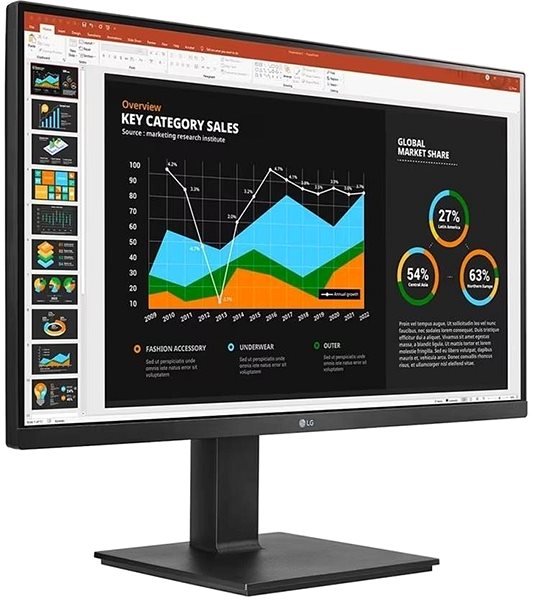
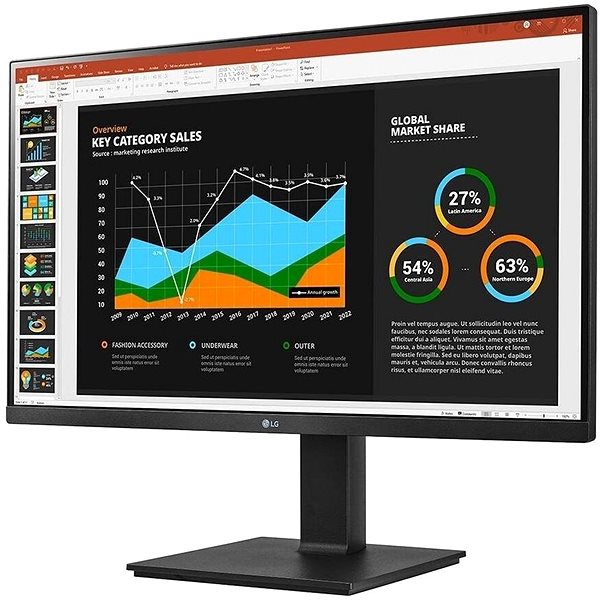
Key Features of the 27" LG 27BQ75QB-B Monitor
- Work efficiently with this 27" LG LCD monitor with Quad HD (2560×1440) resolution
- It uses an IPS panel with a refresh rate of up to 75Hz and a 5ms response time to display colours
- The matte surface of the display prevents glare and reduces eye strain
- The standard 16:9 format ensures accurate image reproduction
- The maximum brightness of 350cd/m² is designed for work out of the sun and in less-lit rooms
- Monitor with a flat design
The LG monitor will delight you with its interesting features and functions
This 27" IPS PC monitor has a flat design that supports easy placement of multiple monitors side-by-side. You can easily click through to NETFLIX, HBO Max and YouTube from it. Daisy Chain allows you to connect multiple monitors to a single signal source, giving you an extended desktop without the need for multiple video outputs. You can tilt and adjust the monitor to your requirements so that its top is at eye level, helping to maintain correct posture, which minimises strain on the cervical spine and reduces the risk of scoliosis. The tilting option is practical for those who prefer to work standing up. Thanks to the Pivot function, the monitor can be rotated by 90°, which is practical for traders, programmers and data analysts using a spreadsheet editor.
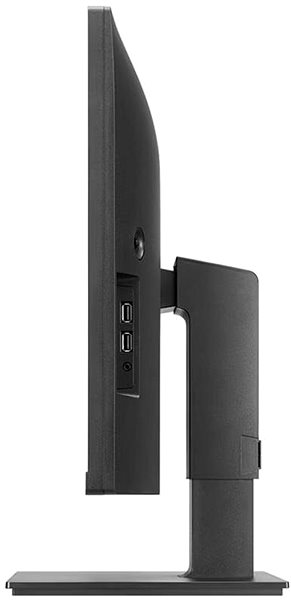
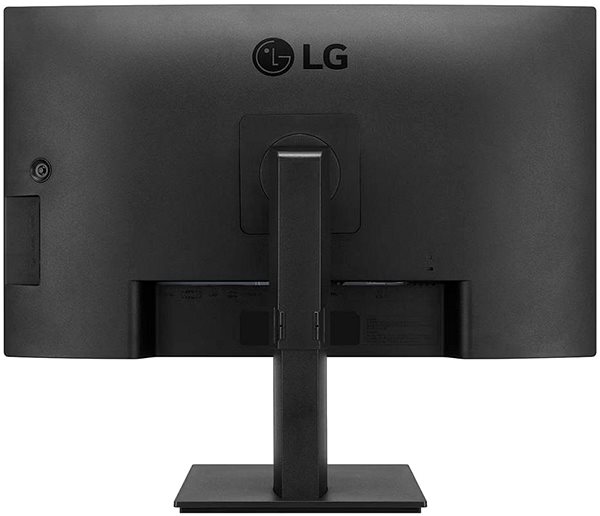
You'll be pleasantly surprised by the LG monitor's equipment
You can use HDMI and USB-C to connect the monitor to your computer or laptop. If your computer isn't equipped with a suitable connector, you can expand its connectivity by purchasing a compatible port replicator. You will also appreciate a Port Replicator when connecting two monitors. The integrated speakers provide a convenient solution for audio and video in one device. In addition to the monitor itself, the package also includes a DisplayPort and a USB-C cable.
Choose a monitor based on native contrast and colour coverage
The LG monitor provides a native contrast of 1000:1. The native contrast ratio indicates the difference between the brightest and darkest points the monitor can display. If a monitor has a contrast ratio of 3000:1, it means the brightest point (white) is 3000× brighter than the darkest point (black). The sRGB colour coverage specifies what percentage of colours from this colour space the monitor is able to display. The advantage of sRGB is that it is a common colour space that is available on most monitors. The sRGB colour coverage of this monitor is 99%. While it doesn't cover the entire natural colour spectrum, this may not be a factor for work not related to graphics.
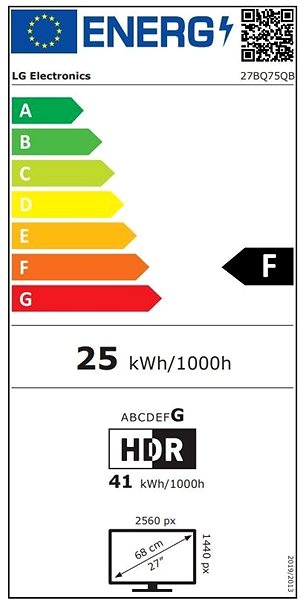
Information on the energy label for monitors:
- The header lists the manufacturer and model of the monitor
- The scale of energy classes (left), the specific energy class of the product (right)
- kWh/1000h: energy consumption in kilowatt-hours per 1,000 hours of operation
- SDR kWh/1000h: energy consumption in SDR mode in kilowatt-hours per 1,000 hours of operation
- Pixels: vertical and horizontal display resolution (2560×1440 px)
- Units in inches and centimetres: screen screen size
__________________________________________________________________
After scanning the QR code, you will be redirected to the European EPREL database, where you will see the display type, the technology used in its production (e.g. LCD, QLED) and other monitor specifications.
screen size:
27"
Colour Coverage (sRGB):
99%
Graphics Interface:
HDMI and USB-C
Graphics Interface Standards:
HDMI 1.4
Energy Class in SDR Mode:
F
Consumption in SDR Mode:
38kWh/1000h
Energy Class in HDR Mode:
G
Dimensions:
52.76 × 61.35 × 23.96cm (H×W×D)
Weight:
7.9kg
Specifications
Display diagonal and resolution
Construction
Panel and screen technology
Aspect Ratio
Connection
Colour gamut
Features and functions
Colour
Dimensions and weight
Packaging
Energy specifications

LG electronics INC. Alfred-Herrhausen-Allee 3-5, 65760 Eschborn, Germany, [email protected], +49 6196 7883000
Specifications can be changed without notice. Images are for illustrative purposes only.
