


XP-PEN Deco mini4

Don't like the alternatives? Choose from the full product list

- Reviews 2
- Help and manuals
- Specifications
- Photos & Videos 9
- Alternatives 8
- Accessories and suggested products

XP-PEN Deco mini4
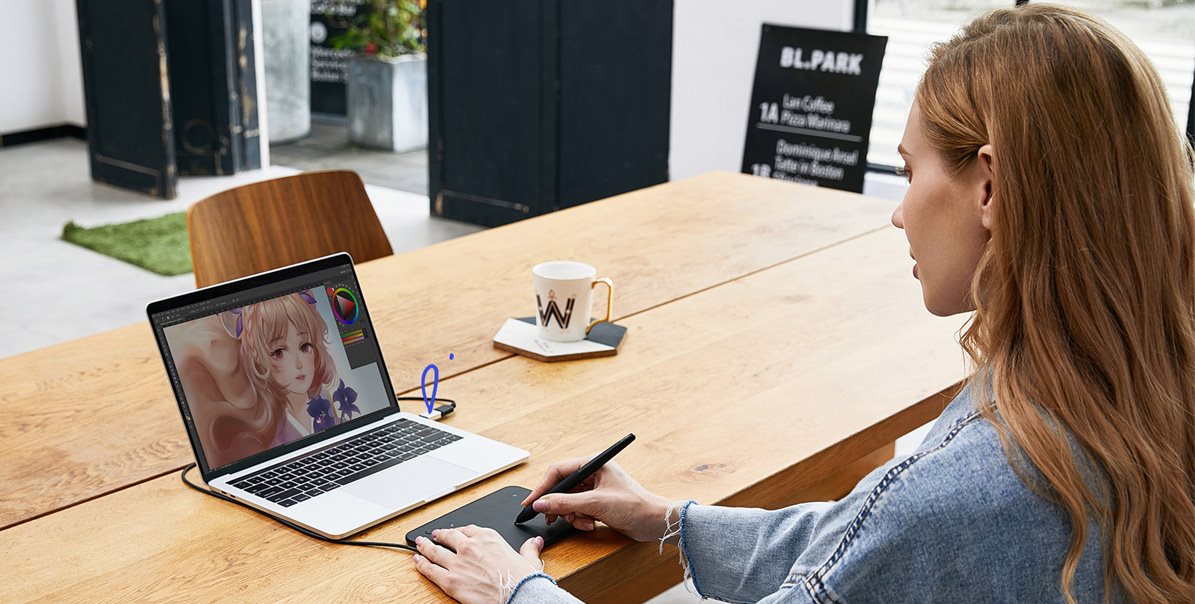
Incredibly portable and fantastically powerful graphics tablet
With the compact and affordable XP-PEN Deco mini4 graphics tablet, you will capture your inspiration whenever you need it, not only on your computer, but also on your smartphone or tablet. The accessories include a sensitive stylus, which has high accuracy with 8192 pressure levels and a 60 ° tilt for creating smooth lines and working with brushes. There are also express buttons that will make your daily work easier.
Key features of the XP-PEN Deco mini4 graphics tablet
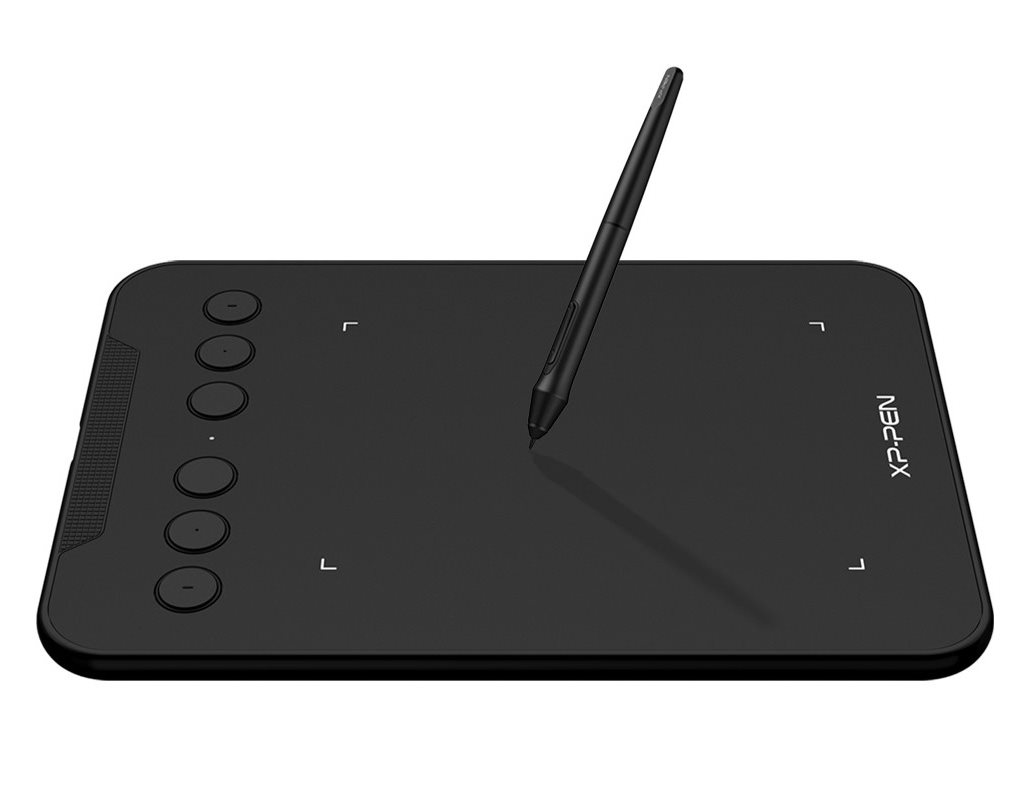
- Slim body with low weight
- Active area 102 × 76 mm
- The XP-PEN Deco mini4 has a sensitive stylus with 8192 pressure levels
- Sensing layer resolution 5080 lpi
- 6 programmable buttons
- Modern USB-C interface
- The graphics tablet is compatible with Windows, macOS and Android devices
- 10 × spare tip
- 1 × USB to USB-C cable, 1 × USB to USB-C adapter, 1 × USB to Micro USB adapter
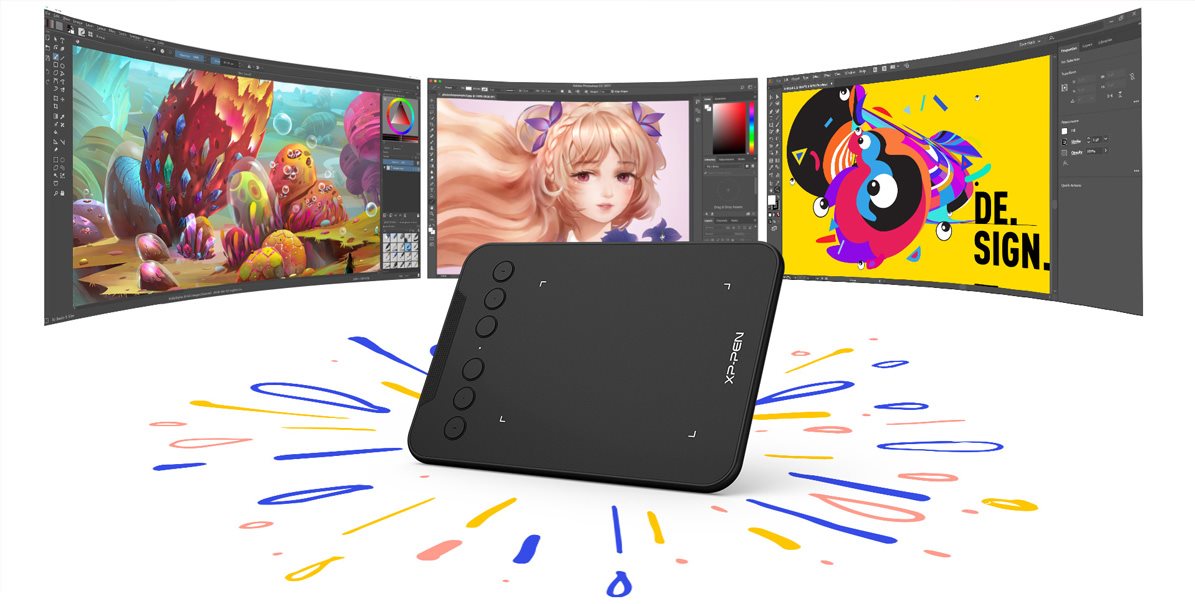
The XP-PEN Deco mini4 works with almost any device
XP-PEN Deco mini4 supports a wide range of professional software such as Photoshop, Illustrator, GIMP, Blender, ZBrush, Maya, ArtRage and many more. The graphics tablet is compatible with Windows, macOS and also with mobile devices running Android 6 and higher.

XP-PEN Deco mini4 provides a natural drawing experience
The supplied stylus has exceptional sensitivity distinguishing up to 8192 pressure levels and supports up to 60 degrees of tilt for a more natural writing and drawing experience. This allows you to create smoother and more natural lines and strokes on the XP-PEN Deco mini4 tablet with the option of adding shading. In addition, the passive pen does not require battery power for its operation.
Easy operation with 6 programmable buttons
Everyday work with the XP-PEN Deco mini4 graphics tablet is facilitated by six express buttons located on the front, which can be assigned various functions according to your ideas so that you achieve maximum efficiency in use.
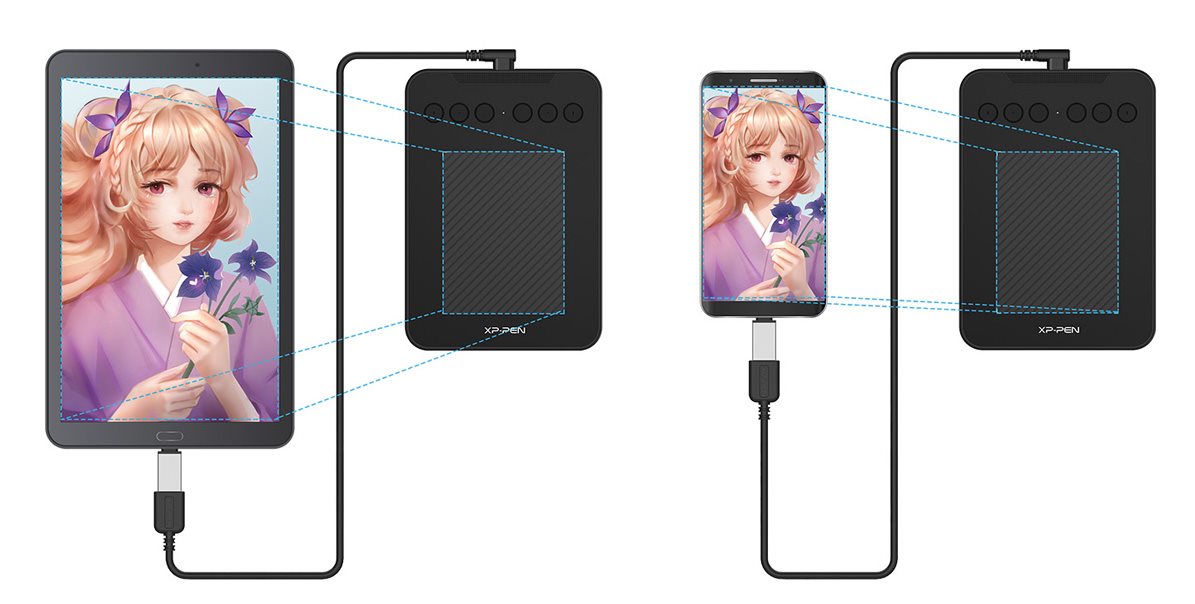
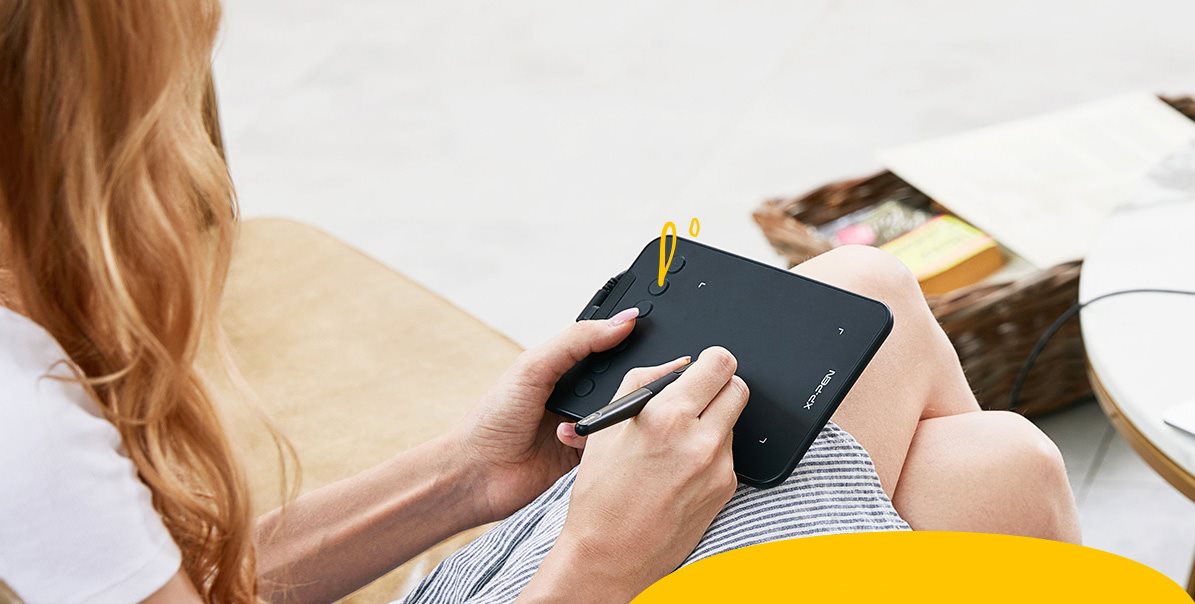
XP-PEN Deco mini4 works with smartphones and tablets
Using the supplied cable, you can easily connect the Deco mini4 graphics tablet to your Android tablet or smartphone (models with OTG support). XP-PEN Deco mini4 works with the XP-PEN Deco Draw App mobile application and a number of other drawing tools.
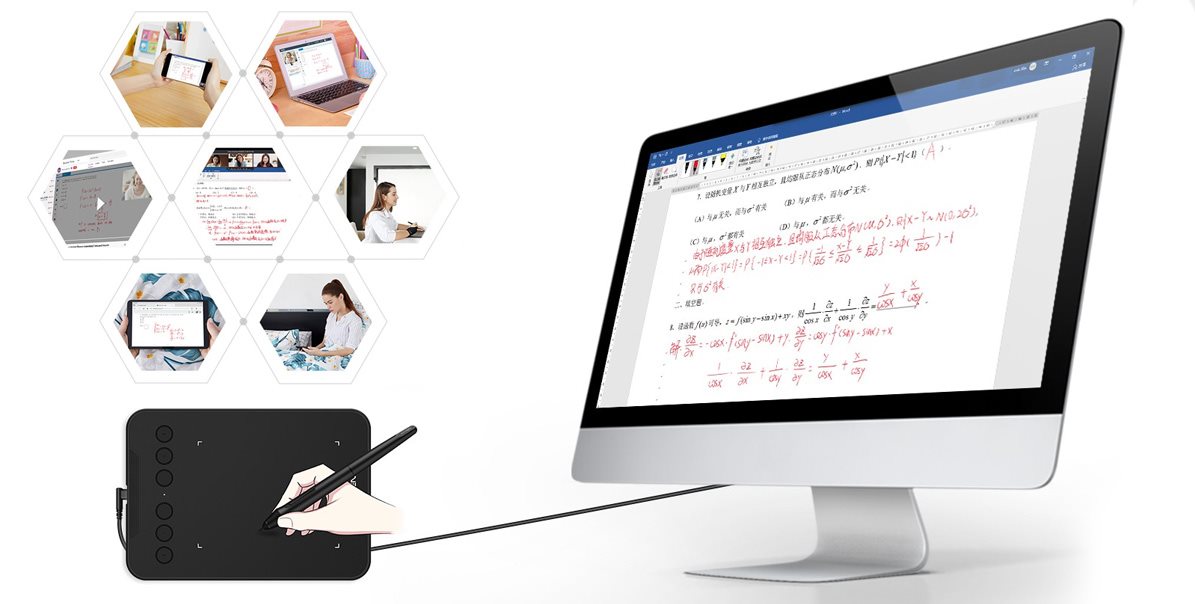
XP-PEN Deco mini4 is ideal for web conferencing and remote learning
With the XP-PEN Deco mini4 tablet, you can easily and quickly insert manual notes into Microsoft Office software documents such as Word, PowerPoint, OneNote and more . Editing and annotating documents can be done in real time while streaming, enlivening your web conferencing or distance learning.
Specifications
Display/Scanning surface
Connection and battery life
Dimensions and weight

HANVON UGEE FRANCE, Zella Zhang, 6 rue d’Armaillé, 75017 Paris, France, [email protected]
Specifications can be changed without notice. Images are for illustrative purposes only.
