


TP-Link Archer AX90

Don't like the alternatives? Choose from the full product list

- Reviews 4
- Help and manuals
- Specifications
- Photos & Videos 7
- Alternatives 8
- Accessories and suggested products

TP-Link Archer AX90
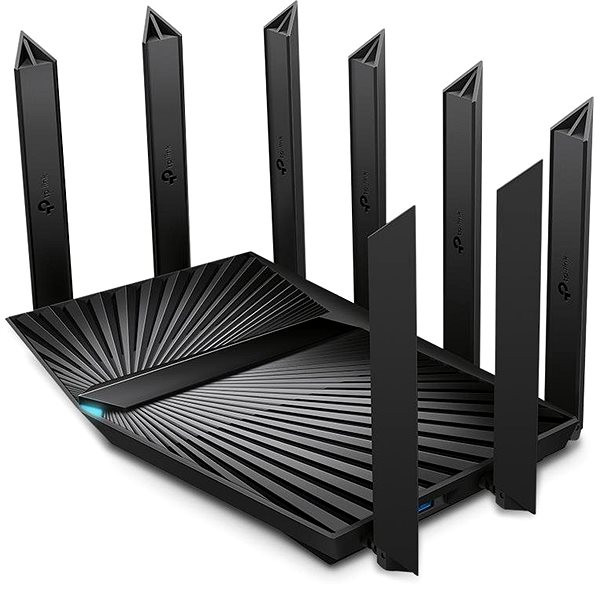
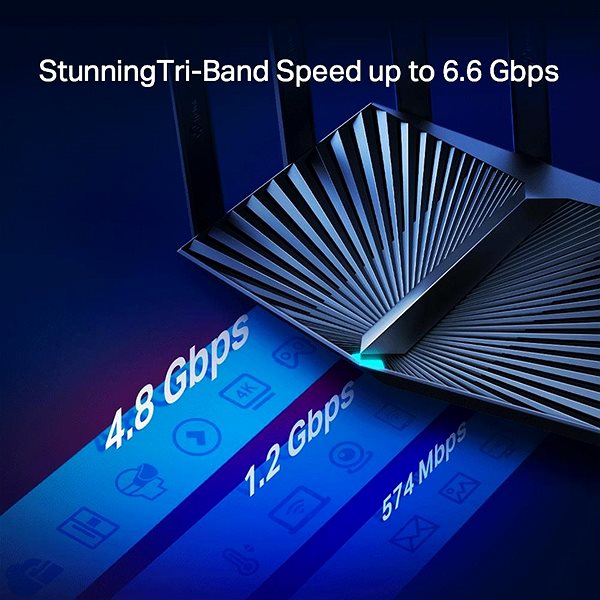
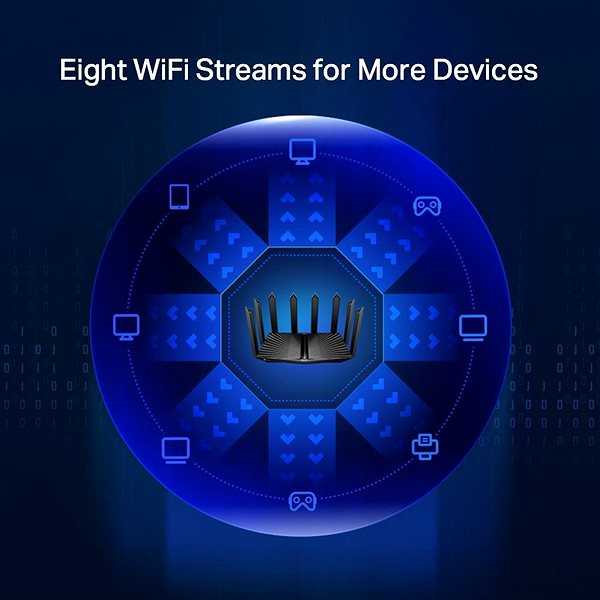
Need to connect multiple devices to the Internet? The TP-Link Archer AX90 is a WiFi device that lets you connect your entire household. It works with 802,11a, 802,11b, 802,11g, 802,11n, 802,11ac and 802,11ax standards and Tri-band frequency., which means it uses three bands. For better reception, the device is equipped with 8 external antennas. The practical DHCP functions of this model include Server, DHCP Client List and Address Reservation. The WiFi bandwidth speed reaches 6579 Mb/s or 1 Gbit if you use cable connection.
TP-Link Archer AX90 WiFi Router Key Features
- The router's timeless design coupled with a colour scheme makes it suitable for any interior
- The device supports the following standards: 802,11a, 802,11b, 802,11g, 802,11n, 802,11ac and 802,11ax
- Wireless bandwidth speed up to 6579 Mb/s
- Improved network security thanks to data encryption
- Create an Internet access point
- Fast and easy router installation
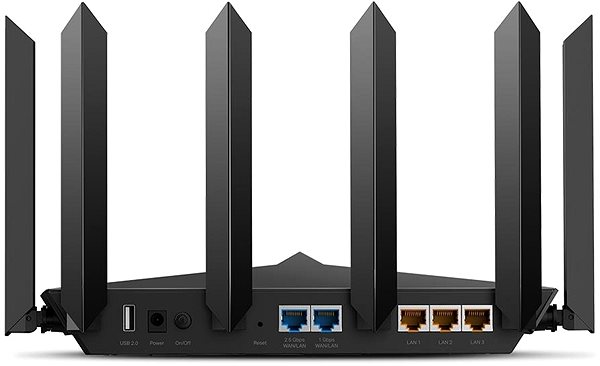
- Includes USB 2.0 and USB 3.2 Gen 1 (USB 3.0) connectors
- Parental controls for better network activity monitoring
- WiFi Router supports IPv6 protocol
- Maximum SSID count: 2 ×
- Number of external antennas: 8
Browse Safely with the TP-Link Archer AX90 Router
The TP-Link Archer AX90 router uses encryption to protect your privacy. The device features several different types of encryption: WPA, WPA2, WPA-Enterprise, WPA2-Enterprise and WPA3. No matter what you do online, your data security is guaranteed.
Simple Setup and Installation with the TP-Link Archer AX90 Router
The router setup is so easy even a beginner can do it. The router comes with an initial setup guide. After you are done, you only have to connect the cables and in some cases enter the info given to you by your service provider.
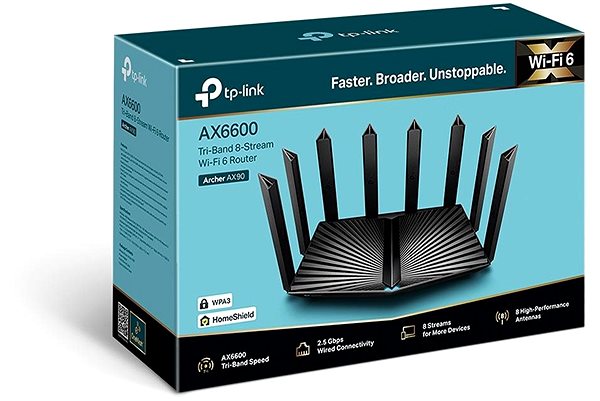
TP-Link Archer AX90: Wireless and Wired Internet
Along with wireless internet, the router features a LAN port reaching speeds of up to 1 Gbit. LAN connection usually means better internet speeds and stability, though it can't match WiFi in user comfort. You can use the USB connector to link the TP-Link to other peripheral devices, for example an external drive or a printer.
Specifications
Standards and frequency
Functions
Speed
Security
Antenna features
Advanced parameters
Dimensions and weight

TP-LINK Czech s.r.o., Pekařská 10a, 15500 Praha 5, Česko, [email protected], www.tp-link.com
TP-LINK Czech, s. r. o., Pekařská 695/10, Jinonice, 155 00 Praha 5, CZ +420 212 812 622 / SK +421 233 006 532, [email protected]
Specifications can be changed without notice. Images are for illustrative purposes only.
